Clocks Go Back on 25 October 2026: How to Fix an IPTV TV Guide That Is an Hour Out
The clocks go back at 2am on Sunday 25 October 2026. Why IPTV TV guides end up an hour out, and the two minute fix for TiviMate, IPTV Smarters and IBO Player.

Published 3 min read
In this article
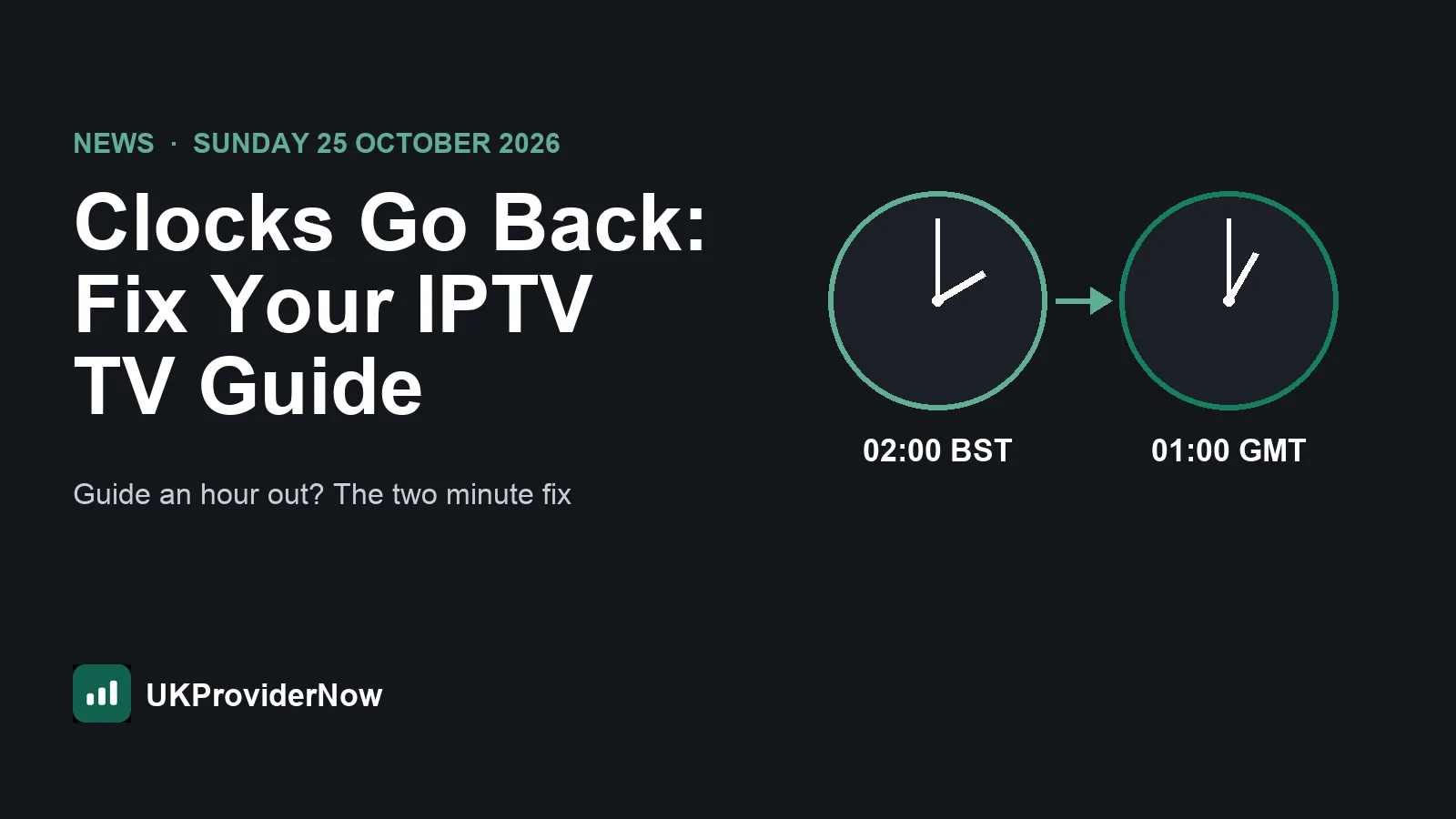
The clocks go back in the UK at 2am on Sunday 25 October 2026, when British Summer Time ends and the clocks return to 1am GMT, according to GOV.UK. For IPTV viewers that usually means one thing on Sunday morning: a TV guide that is suddenly an hour out, with programmes starting an hour before or after the guide says. Here is why it happens, and the two minute fix.
What happens to your IPTV guide when the clocks go back
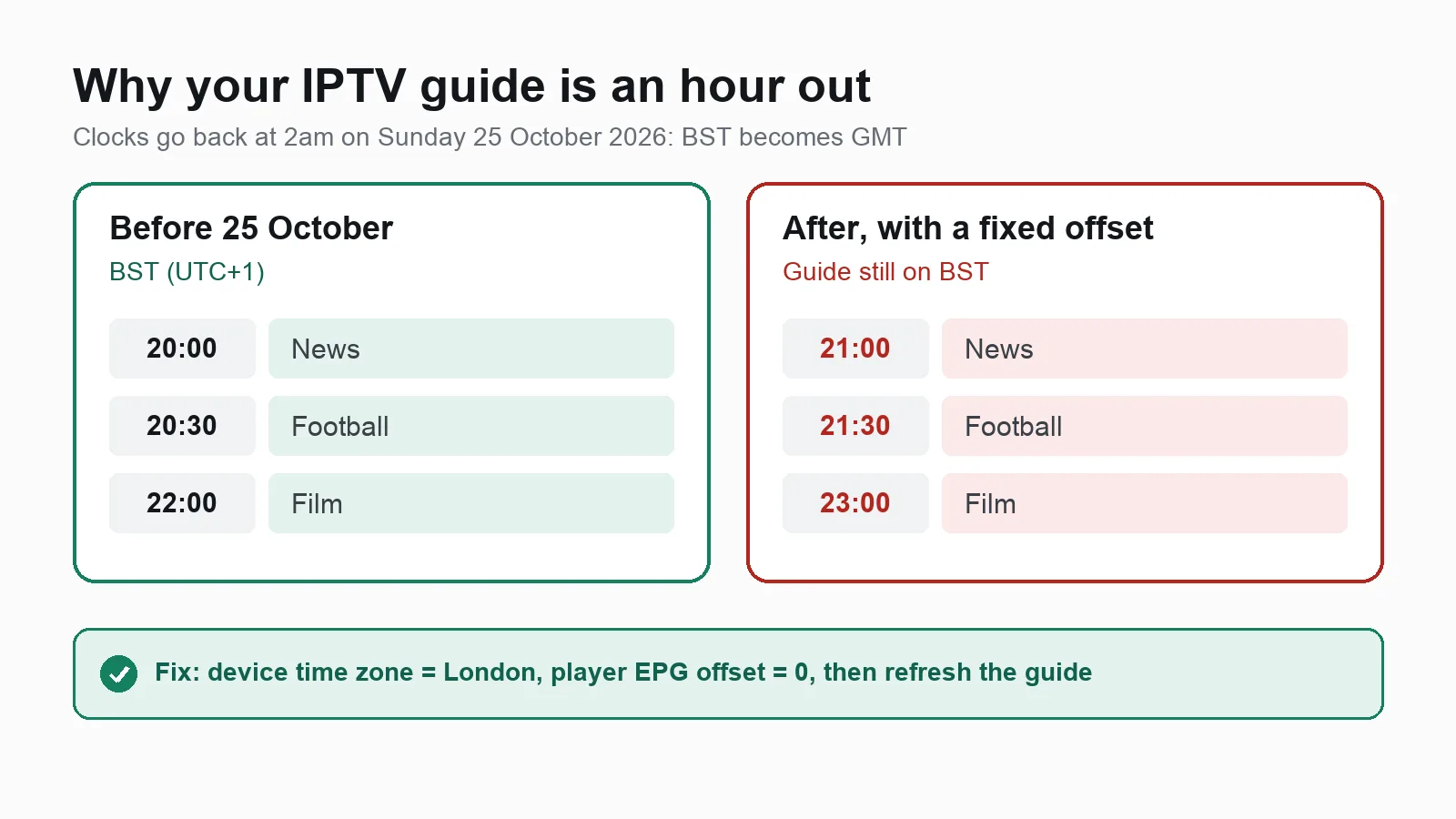
Your IPTV TV guide (EPG) stores every programme time with a time zone. Your player converts those times to your device's local time. When the clocks change, two things can go wrong:
- Your device has a fixed time zone or manual clock. If it is set to "GMT+1" rather than "London", or the time was typed in by hand, it does not move back with the rest of the UK.
- Your player has a manual EPG time offset. Many people set an offset of plus or minus one hour at some point to line the guide up. That offset stays the same when the clocks change, so the guide drifts an hour out.
The channels themselves are not affected. Only the guide's times look wrong.
The two minute fix
- Check your device's time zone. In the settings of your Firestick, Android TV box, Smart TV or phone, set the time zone to London (or "automatic") rather than a fixed GMT offset. On a Fire TV Stick this is under Settings, Preferences, Time zone.
- Restart the device so the new time is picked up.
- Reset the EPG time offset in your player to zero, then refresh the guide:
- TiviMate: Settings, EPG, then check the time shift setting and choose Update EPG.
- IPTV Smarters Pro: Settings, check the time format and time zone options, then refresh the EPG.
- IBO Player and other Smart TV apps: check the app's settings for an EPG offset, then restart the app.
- Only if the guide is still out, set the offset to plus or minus one hour, whichever lines it up with what is actually on.
If your guide is empty rather than out by an hour, our full guide to EPG for IPTV explains every fix, and our EPG validator tests your guide link. There is also a short checklist in our Help Center.
Watching from abroad?
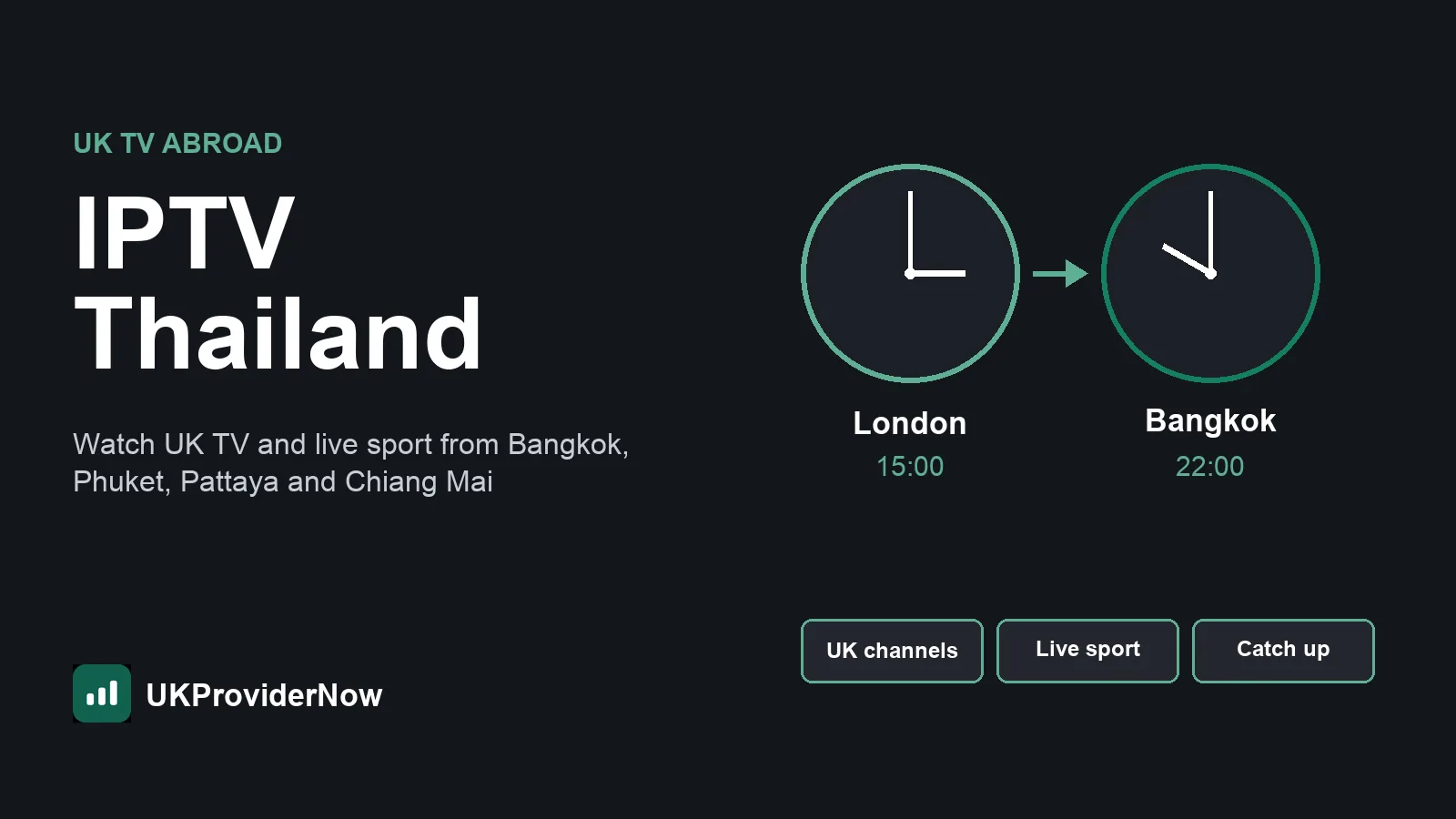
If you watch UK TV from another country, the gap between your local time and UK time changes on 25 October too. In Thailand, for example, the gap grows from 6 hours to 7, so a 3pm Saturday kick off moves from 9pm to 10pm Thai time. Our guide to IPTV in Thailand has the full table of kick off times.
Make it a once a year job
If you set your device to the London time zone and keep the player's offset at zero, the guide moves with the clocks automatically, in October and again in March. You will not need to touch it again.
UKProviderNow customers get a full TV guide with every IPTV subscription, loaded automatically with an Xtream Codes login. If anything looks wrong after the clocks change, message us on WhatsApp or see our Help Center. New to us? Request a free IPTV trial and see the guide for yourself.
Useful next steps
- UK IPTV serviceLive UK channels, sport, films and box sets.
- IPTV apps and playersEvery player we support, compared.
- IPTV devicesFirestick, Android TV, Smart TVs and more.
- IPTV subscription plansPrepaid UK plans with no automatic renewal.
- Help CenterSetup guides and fixes for common problems.
- Free IPTV TrialTest UK IPTV free before you pay.
Published by UKProviderNow, a UK IPTV provider. About us · Contact us · Help Center